From raw clips to a 30-second Reel
Our feature walkthrough: plan, rough cut, hook, captions, sound, polish and export.
TC 00:00:00:01 · Independent editing directory
Zappisagasprnt is a hands-on workshop for short-form creators: compare real editing software, practise in browser-based simulators, and grab free original templates — no sign-up.
Tap the clip, add a keyframe
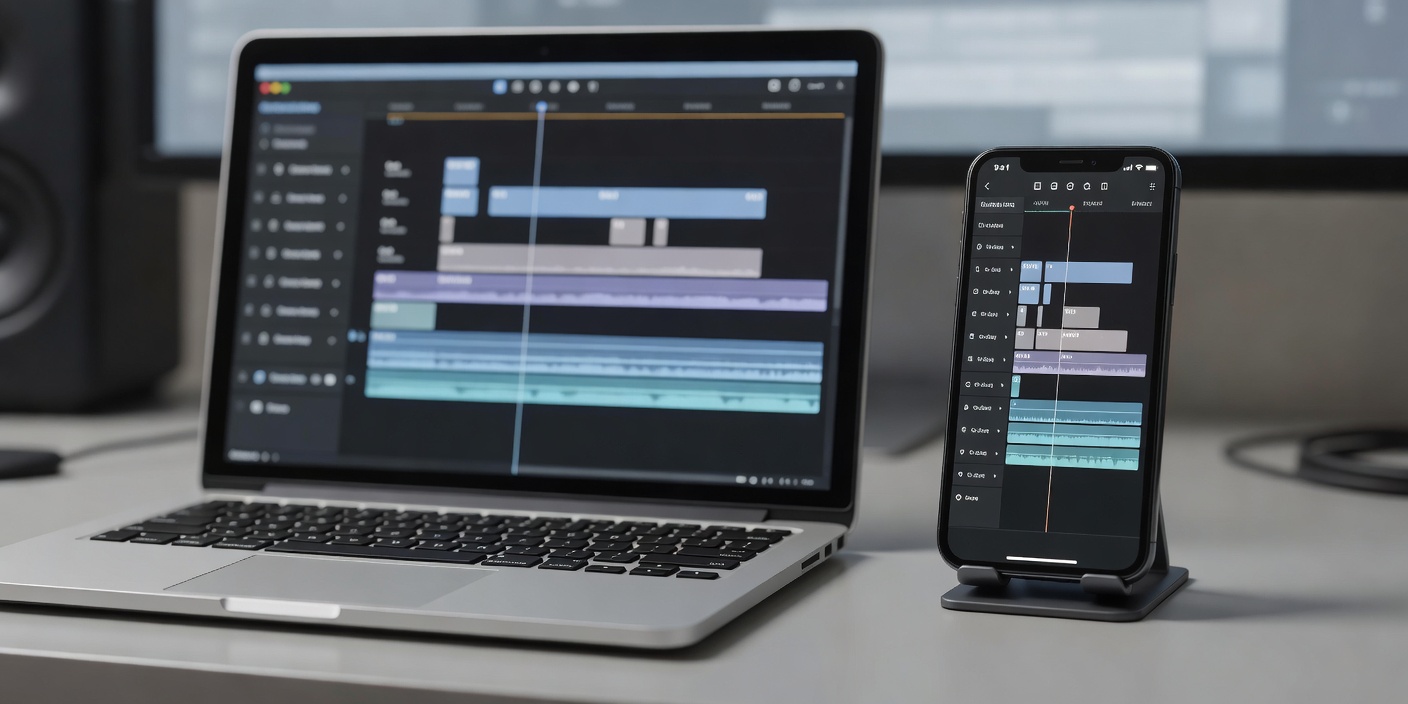
A complete, nine-step walkthrough: plan the beats, rough cut in passes, build a hook that lands, write captions people can read, mix sound and export without surprises.
Works in CapCut, DaVinci Resolve, Premiere Pro, Final Cut Pro or Canva · 9 min read
Switch categories to update tutorials, software recommendations, resources and step-by-step workflow. Synced with the hero controls above.
Details checked against official sites (last reviewed January 2026). Prices vary by region — always confirm with the provider.
Most short-form viewers start with sound off. Type a line and try three readable styles. The full Subtitle Studio adds sizes, colours, contrast checks, safe zones and SRT export.
Cut the pauses first.
Working CSS demonstrations, clearly labelled. Concepts that need real editing software are marked.
Each file is generated in your browser and contains real, usable content. Free for personal and commercial use.
Open the full Comparison Lab to pick any tools and highlight differences.
Our feature walkthrough: plan, rough cut, hook, captions, sound, polish and export.
Keyframes, speed curves, auto captions and the habits that make edits feel effortless.
Format, hooks, pacing and safe zones for vertical video.
Size, contrast, line length and timing that work on phones.
Resolution, frame rate, codecs, bitrate and audio for social uploads.
Zappisagasprnt is an independent editorial directory. At the time of publication we have no affiliate agreements or sponsored placements; all outbound links are plain links to official sites. If that changes, affected links will be labelled and may earn us a commission at no extra cost to you, and recommendations will remain editorially independent. We are not affiliated with or endorsed by CapCut, ByteDance, Instagram, Meta, Adobe, Apple, Blackmagic Design, Descript, Canva or Envato. Product names are used only to identify software and compatibility.